Media Control
On and off
Briefly press on
 to switch on your audio system.
The audio system can be used with the vehicle ignition off. It will operate for several minutes. Briefly press
to keep it on for a few more minutes.
Switch off the audio system by pressing and holding on
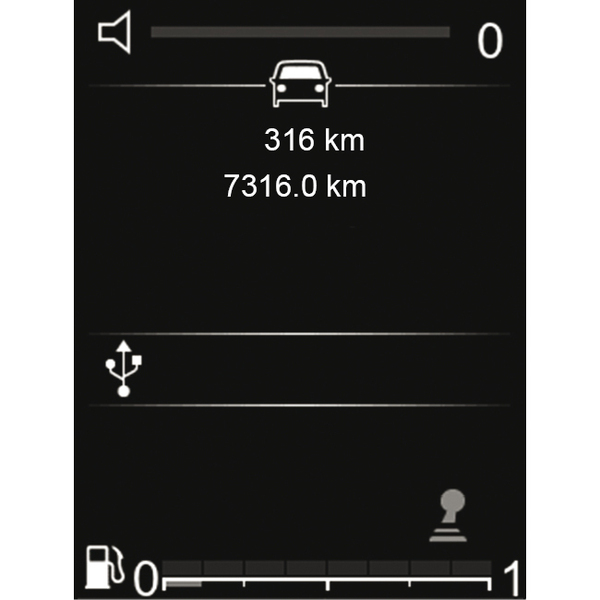
. The radio system display is shown in the illustration while switched off or in "Vehicle" mode with the sound muted.
Choosing the source
Scroll through the various audio sources by repeatedly pressing on
 . When scrolling, the audio sources appear in the following order: FM→ DR→ AM→ USB→ Bluetooth®.
You can also select the audio source from the "Media" world.
Press
 , select the "Media" world by pressing the
 on the steering column control,
 or
or
 , then
 to confirm. Select the audio source.
When you connect a USB media source while the audio system is switched on then the source will automatically switch to the new media and start to play its content.
When you connect a Bluetooth® media source while the audio system is on, if the audio source playing was already Bluetooth® then the media content will switch and start to play automatically on the audio system.
Volume
Adjust the volume by pressing on
 or
or
 . By briefly pressing on
the volume increases a notch.
. By briefly pressing on
the volume increases a notch.
The display shows "Volume" followed by the current setting value.
Mute
Press briefly on
to mute the sound.
Press briefly again on the buttons
,
or
to continue listening to the current audio source.