Dacia Jogger
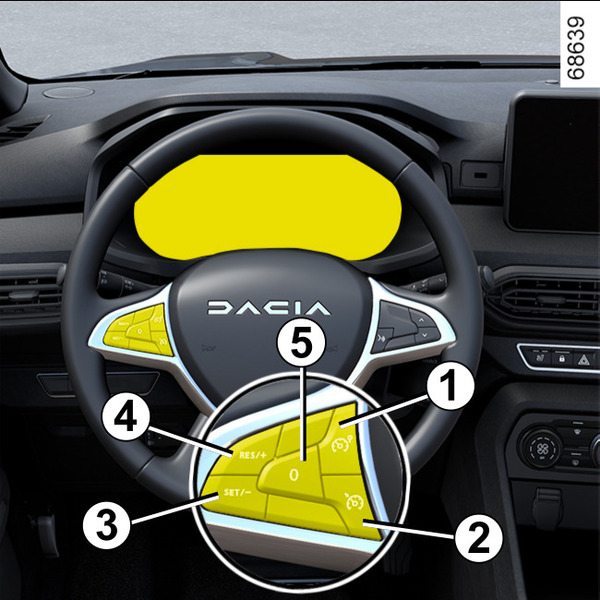
The speed limiter function helps you stay within the driving speed limit that you choose, known as the limit speed.
tip
You can link the speed limiter to the "Road sign detection" functionDetection of road signs.
warning
The speed limiter function is in no way linked to the braking system.
Controls
- 1.
Speed limiter On/Off switch.
- 2.
Cruise control On/Off switch.
- 3.
Switch to activate and decrease the limit speed (SET).
- 4.
Switch to activate and increase the limit speed or to set the stored limit speed (RES).
- 5.
Puts the function on standby and stores the limited speed (0).
Driving
When a limit speed has been set but not yet reached, driving is similar to driving a vehicle without the speed limiter function.
Once you have reached the stored speed, no effort on the accelerator pedal will allow you to exceed the programmed speed except in an emergency (refer to information on "Exceeding the limit speed").
Switching on
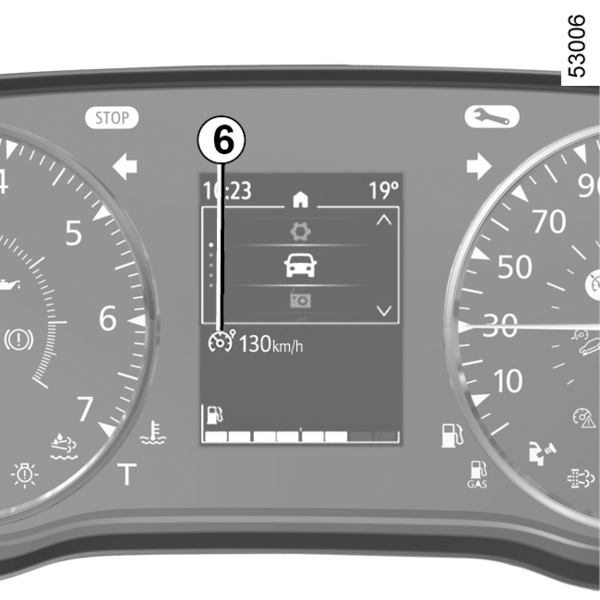
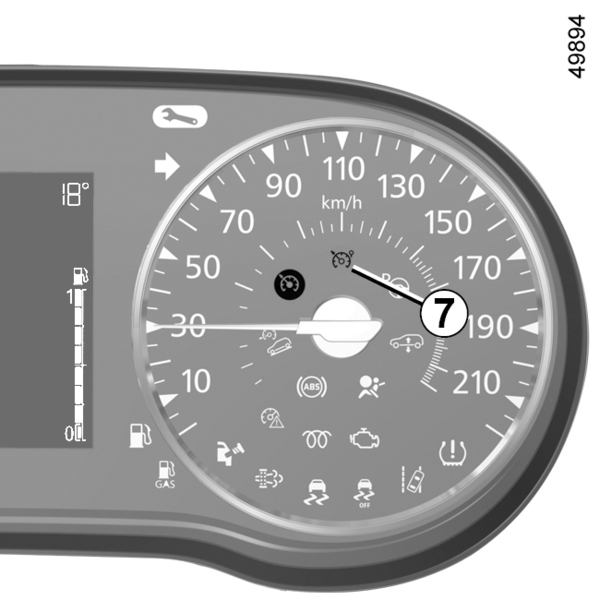
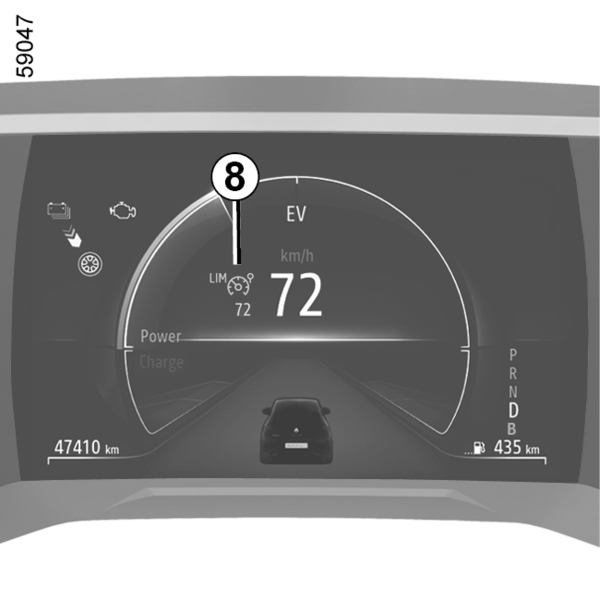
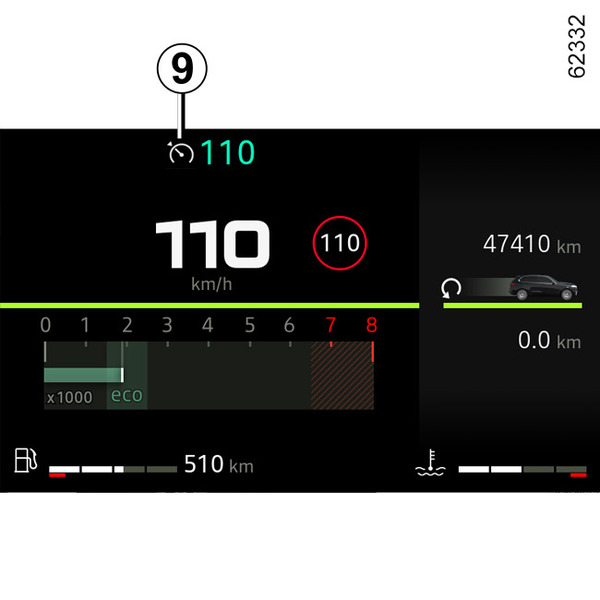
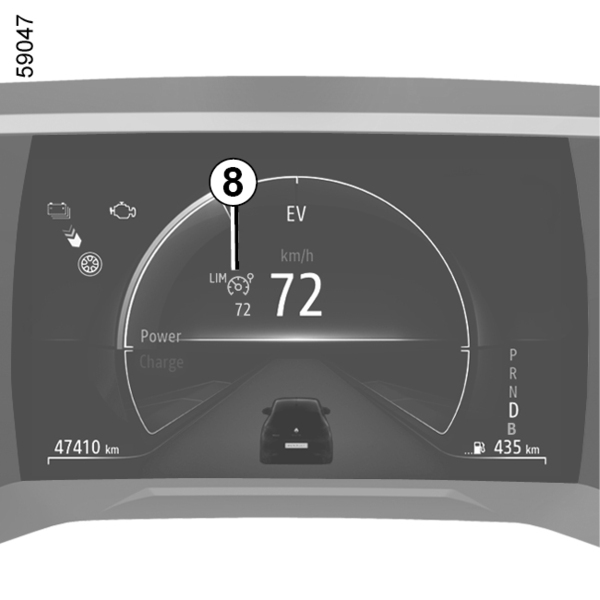
Press the switch 1. The 6 warning light appears in grey or, depending on the vehicle, the 7, 8 or 9 warning light appears in orange.
The "Speed limiter ON" message or, depending on the vehicle, the
 warning light appears on the instrument panel accompanied by dashes to indicate that the speed limiter function is operating and waiting to store a limit speed.
To store the current speed, press the 4 (RES/+) switch or the 3 (SET/˗) switch: the limit speed replaces the dashes and, depending on the vehicle, the 6 warning light appears in white.
The minimum speed that can be stored is 19 mph (30 km/h).
Varying the limit speed
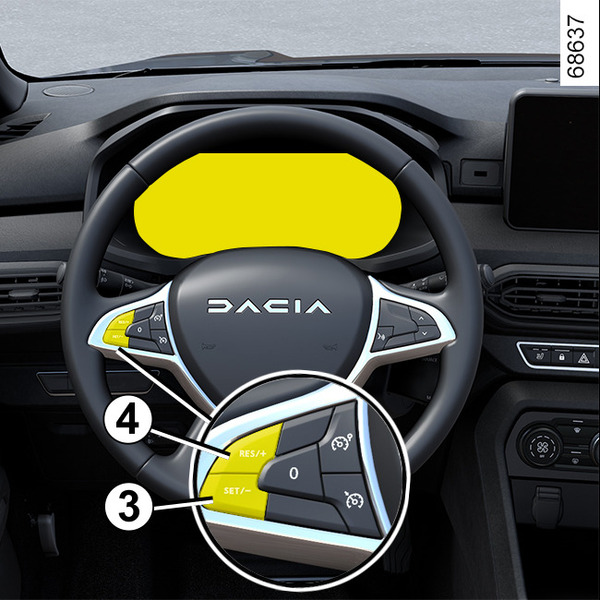
The limit speed may be changed by pressing repeatedly or holding down:
- the switch 4 (RES/+) to increase the speed.
- the switch 3 (SET/˗) to reduce the speed.
Exceeding the limit speed
It is possible to exceed the limit speed at any moment. To do this, press the accelerator pedal firmly down beyond the point of resistance.
While the speed is being exceeded, the programmed speed displayed on the instrument panel flashes. Then, release the accelerator pedal: the speed limiter function will return as soon as you reach a speed lower than the memorised speed.
warning
If the speed limiter is not available (after several attempts to activate), contact an approved dealer.
Limited speed cannot be maintained
When driving down a steep gradient, the system may not maintain the speed limit: the speed limit flashes in red on the instrument panel and an audible signal warns you at regular intervals.
Putting the function on standby
The speed limiter function is suspended when you press switch 5 (0). The limit speed is stored and displayed in grey on the instrument panel.
Recalling the limit speed
If a speed has been stored, it can be recalled by pressing the switch 4.
tip
When the speed limiter is set to standby, pressing switch 3 reactivates the function without taking into account the memorised speed: it is the speed at which the vehicle is moving that is taken into account.
Switching off the function
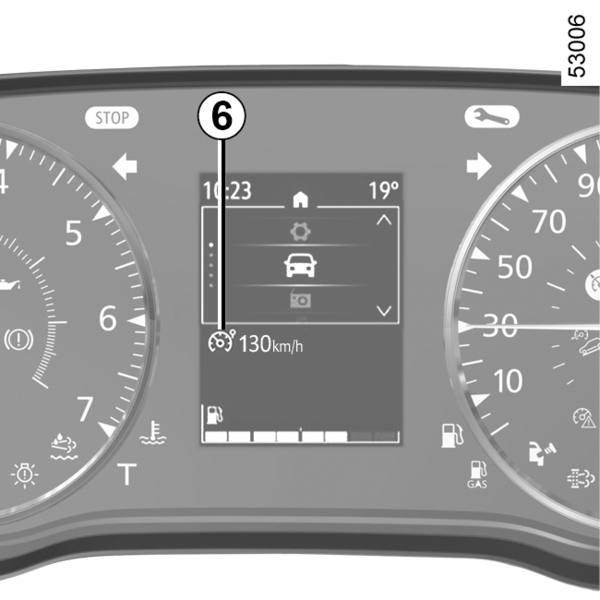
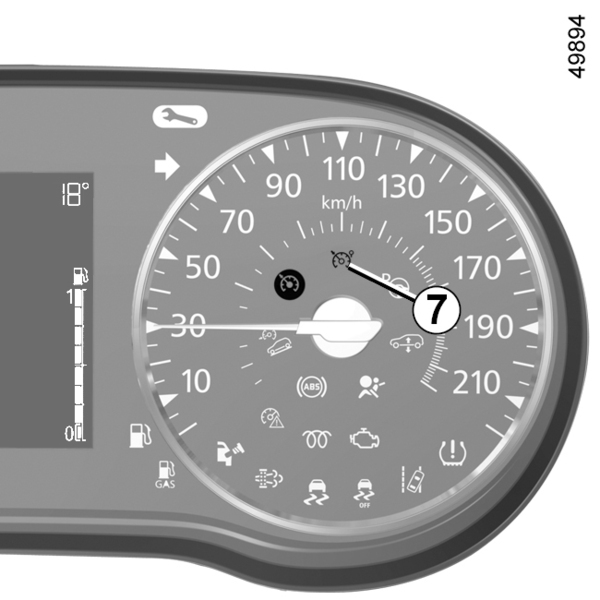
The speed limiter function is interrupted:
- when you press the 1 switch. In this case, the speed is no longer stored;
- when you press the 2 switch. In this case the cruise control is selected and there is no stored speed.
Warning light 6 or, depending on the vehicle, orange warning light 7, 8 or 9 disappear from the instrument panel to confirm that the function is deactivated.