Media Control
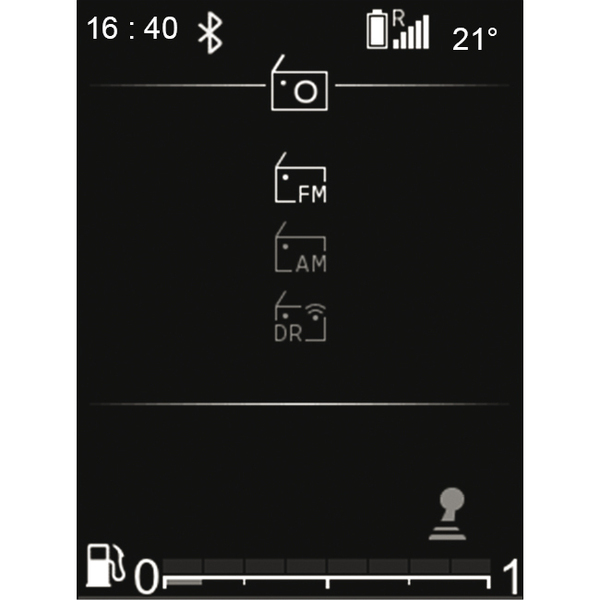
Select a radio band
To select the desired band from FM, AM or DR (terrestrial digital radio), press
 to access the "Radio" world then select the desired waveband using
 or
or
 , or press
 . While listening to a radio station, pressing
 will give you access to the band modification screen.
Selecting a radio station
There are several ways to select and search for a radio station:
- "list mode" 1 available in DR and FM;
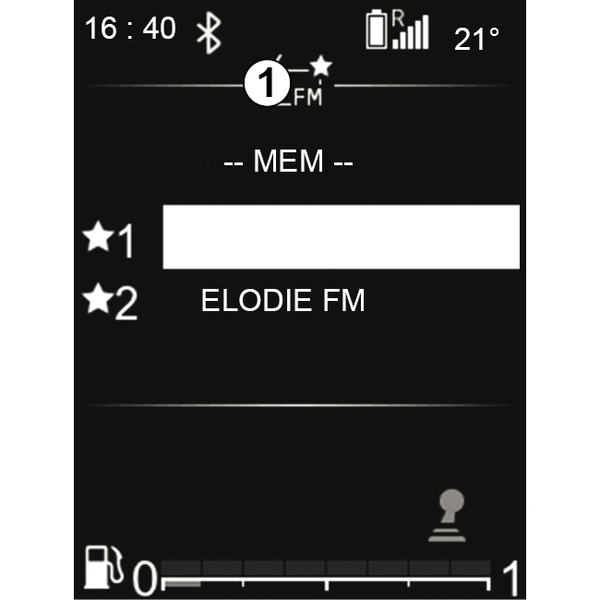
- "manual mode" 2 available in AM and FM.
"List mode"
This mode allows you to search for available stations by scanning the list of stations in alphabetical order, then by frequency (for stations broadcast unnamed) using
or
, then
 to confirm.
The radio station you stop at in the list will automatically play shortly afterwards.
To return to the list of stations, use
or browse using the
 control on the steering column,
or
.
control on the steering column,
or
.
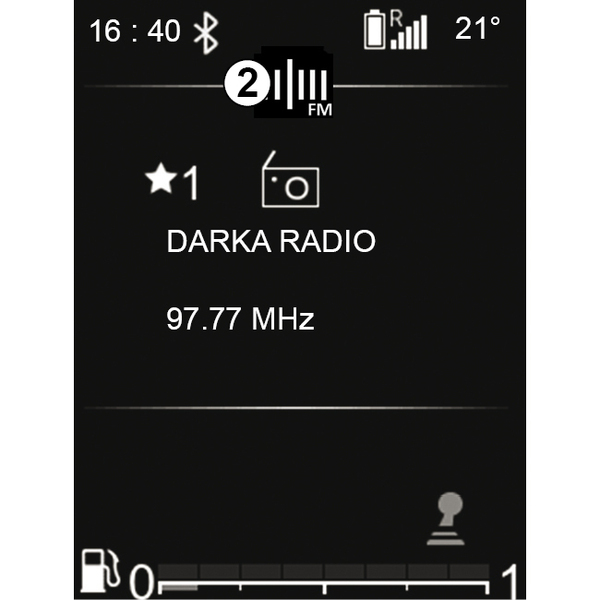
To get the most recent list of stations, update the radio list.
For more information, see the "Update FM list" and "Update DR list" in this section.
"Manual mode"
Manual mode allows you to search for stations by browsing the frequencies in FM and AM:
- scroll to the higher frequencies using the
control on the steering column or
;
- scroll to the lower frequencies by pressing
on the steering column or
.
By pressing
or
:
- press briefly: to search by frequency step;
- press and hold: to search for an available station automatically.
Radio/media information
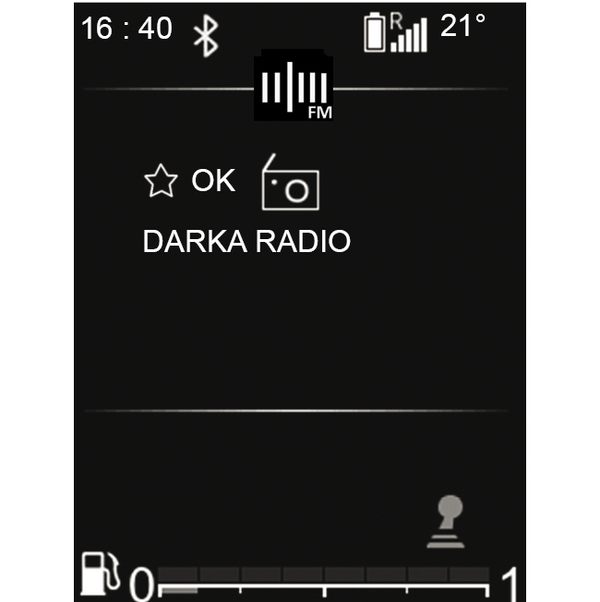
This function displays the information on the frequency that you wish to see on the screen (see above). It is displayed automatically after a moment or when you press
.
Station memory
You can store up to six stations so that will be permanently shown at the top of the list of stations.
Select a band (FM, DR), then select a radio station using the modes described above.
To store the station, press and hold on
from the currently playing list and select the position in the Favourites. A beep confirms that the station is saved as a favourite.
By browsing through the list from the beginning, you will still be able to find your "Favourite" stations in the zone entitled – MEM--. Next comes the full list of stations sorted by alphabetical order in the zone entitled – LIST --.
The radio station you stop at will automatically play shortly afterwards. To return to the list of stations, press
, or browse using
on the steering column control,
or
.
Selecting a station
In the AM band, the stations can be browsed by their radio frequency and in the FM or DR band the list of stations can be browsed.
Select the desired band (FM, DR or AM) by repeatedly pressing on
.
This list can include up to 100 radio stations stored the last time the list was updated.
Use
on the steering column control,
or
to scroll through the radio stations in the FM, DR list.