Dacia Bigster
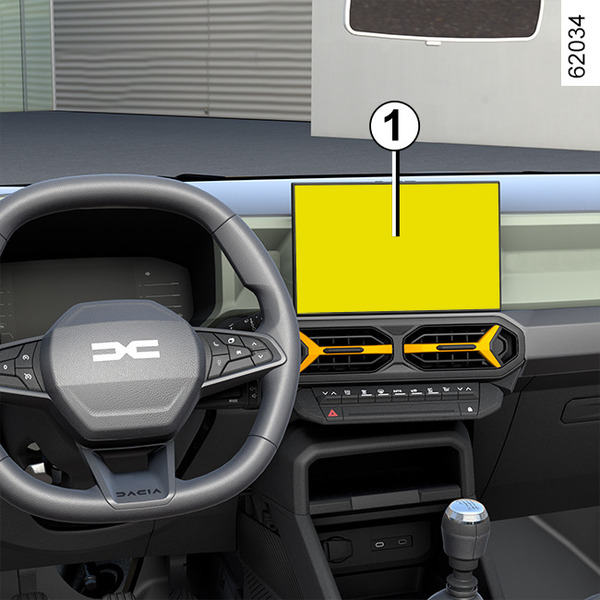
Depending on the vehicle equipment, this function allows you to activate/deactivate and adjust some of the vehicle's functions.
Accessing the settings menu
With the vehicle stationary and the engine running, from the multimedia screen 1 select the "Vehicle" world, press the "Vehicle" menu then the "Outside" tab to access the various settings.
Adjusting the settings
Select a tab then the function to be modified (the display depends on the vehicle equipment and country):
a) "Access":
- "Automatic door locking while driving";
- "Locking/unlocking in hands-free mode";
- ...
b) "Welcome":
- "Exterior lighting animation";
- "Door opening welcome sound";
- "Automatic fold-out of the door mirrors";
- "Automatic courtesy light";
- ...
c) "Driving lights":
- "Adaptive lighting";
- "Choice of driving side";
- ...
d) "Wipers":
- "Rear screen wiping in reverse";
- "Automatic windscreen wiping";
- ...
Depending on the function, select:
- "ON" or "OFF" to activate or deactivate it,
or
- a setting for the time the lights are switched on (e.g. for the "Follow-me-home lighting" function).
Please refer to the multimedia instructions for further information.
warning
For safety reasons, carry out any adjustments while the vehicle is stationary.