Dacia Bigster
Front map reading lights

Touch lights 1 or 2 to activate:
- permanent lighting;
- lighting switches off immediately.
Note:
- It is not necessary to press the lights to activate or deactivate the lighting. You only need to make contact;
- you can deactivate/activate the illumination of the reading lights when the doors are opened using the multimedia screen Vehicle settings personalisation menu.
Rear map reading lights
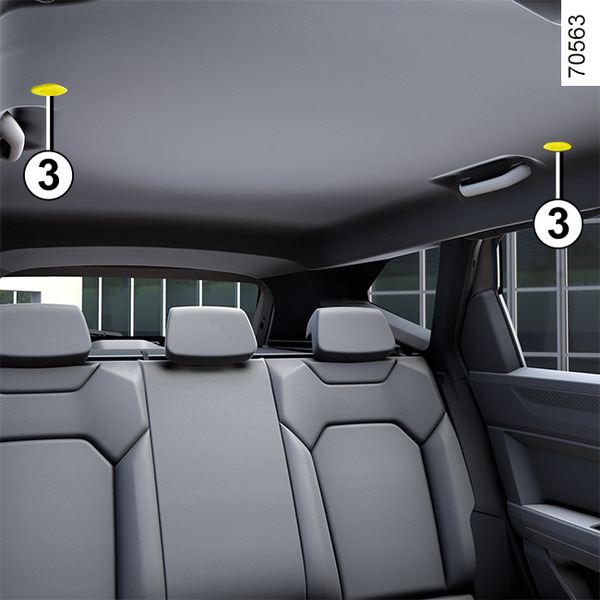
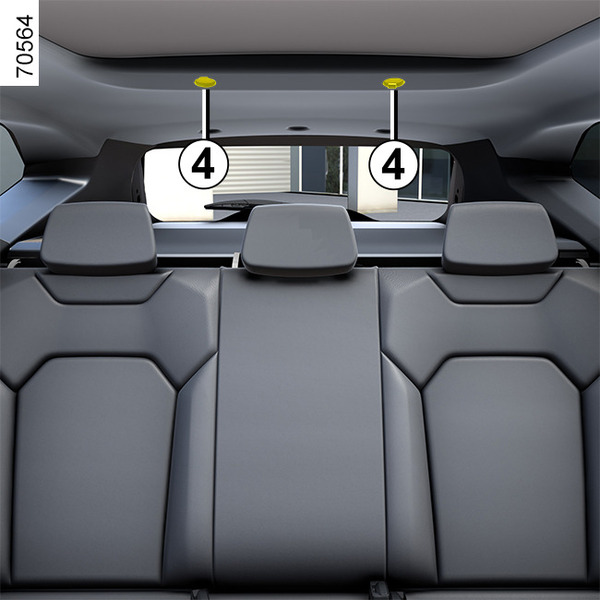
Depending on the vehicle, touch spot lights 3 or 4 to obtain:
- permanent lighting;
- lighting switches off immediately.
Note:
- It is not necessary to press the lights to activate or deactivate the lighting. You only need to make contact;
- you can deactivate/activate the illumination of the reading lights when the doors are opened using the multimedia screen Vehicle settings personalisation menu.
tip
Unlocking and opening the doors or tailgate switches on the timed courtesy lights and lights.
Glovebox light 5
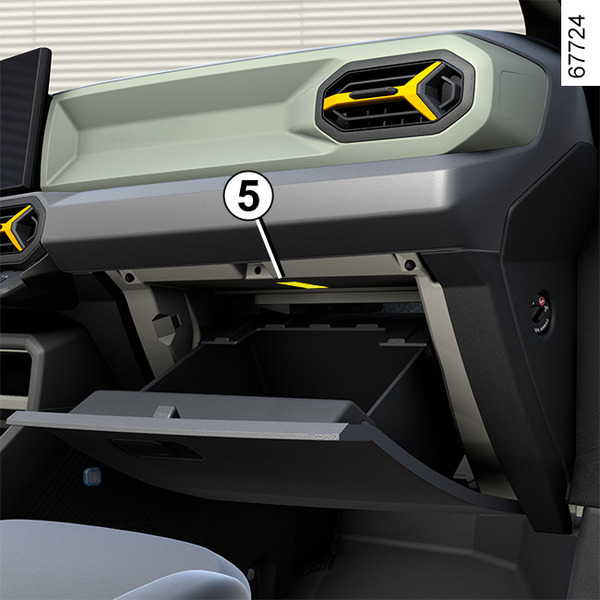
The light 5 comes on when the cover is opened.
Luggage compartment light 6
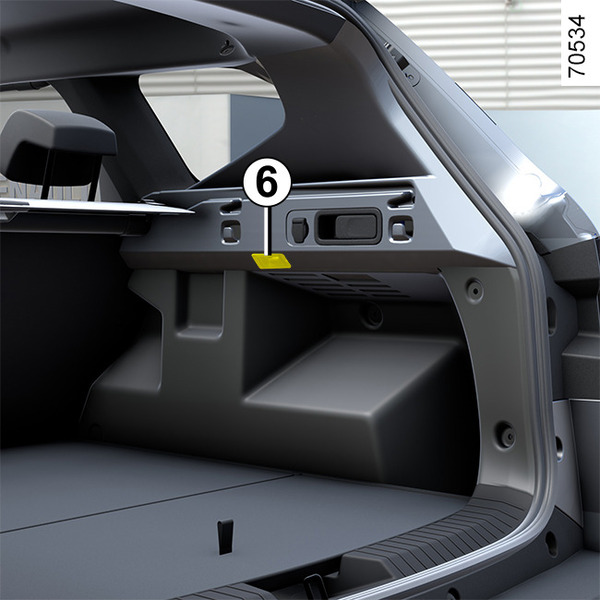
The light 6, comes on when the luggage compartment is opened.
tip
Automatic operation of interior lighting
(depending on the vehicle)
- if the doors are unlocked using the remote control, the interior lighting is switched on for approximately 30 seconds.
- If a door is open (or not properly closed), the lighting is switched on for approximately 5 to 10 minutes.
- if all the doors are closed, the interior lighting starts to dim when the ignition is switched on.