Vehicle settings personalisation menu

<?xml version="1.0" standalone="yes"?>
11020_P1310_002_2_image.jpeg

Depending on the vehicle equipment, this function allows you to activate/deactivate and adjust some of the vehicle's functions.

Chapter

Displays and indicators

<?xml version="1.0" standalone="yes"?>

Instrument panel A

The presence and operation of the display and indicators DEPENDS ON THE LEVEL OF EQUIPMENT AND THE COUNTRY.

lights up when the driver’s door is opened. In some cases, the appearance of a warning light is accompanied by a message.

Chapter

Warning messages

<?xml version="1.0" standalone="yes"?>

They appear along with the

Chapter

Information messages

<?xml version="1.0" standalone="yes"?>

These can help in the vehicle starting phase, or give information about a selection or a driving status.

Examples of information messages are given in the following pages.

Examples of messages

Chapter

Journey settings

<?xml version="1.0" standalone="yes"?>

The display of information shown below DEPENDS ON THE VEHICLE EQUIPMENT AND COUNTRY.

Chapter

General information

<?xml version="1.0" standalone="yes"?>

Trip computer A or B

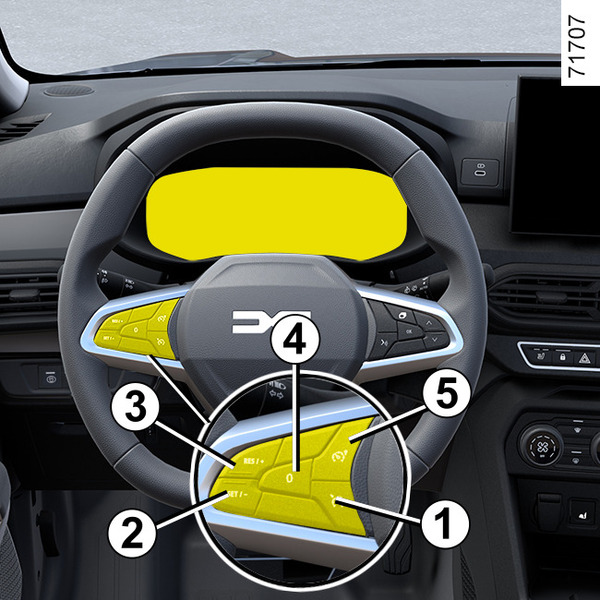
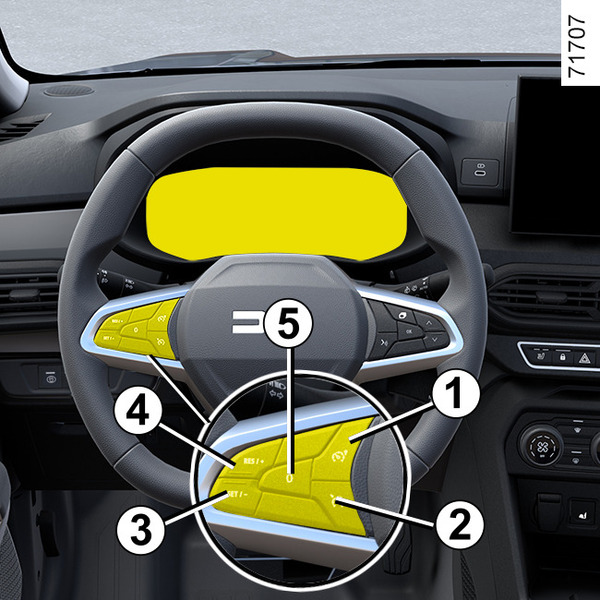
Depending on the vehicle, it allows the following functions to be displayed in zone 5. Select the functions by repeatedly pressing switch 2 or 3:

Chapter