Towing <?xml version="1.0" standalone="yes"?>tipPermissible nose weight, maximum permissible towing weight (braked and unbraked) Weights (in kg).Choice and fitting of towing equipmentMaximum weight of towing equipmentTowbar (cross member and hitch) not originally fitted to the vehicle: the entire towbar and mountings must not exceed 23 kg. Chapter
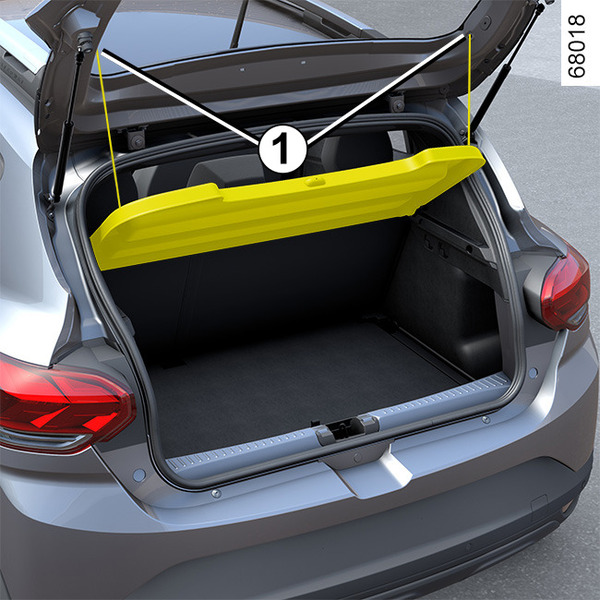
Luggage compartment storage <?xml version="1.0" standalone="yes"?>Rear parcel shelf RemovalUnhook the two cords 1 (luggage compartment side). Chapter
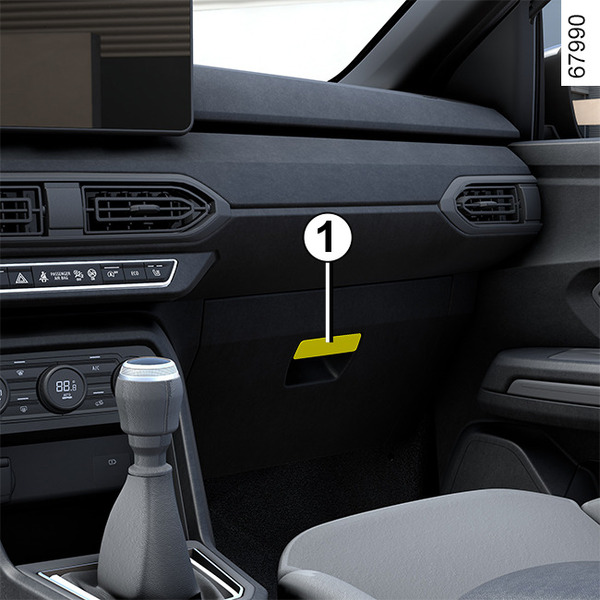
Passenger compartment storage, fittings <?xml version="1.0" standalone="yes"?>Glovebox Pull handle 1 to open it. Door pockets 2 Chapter
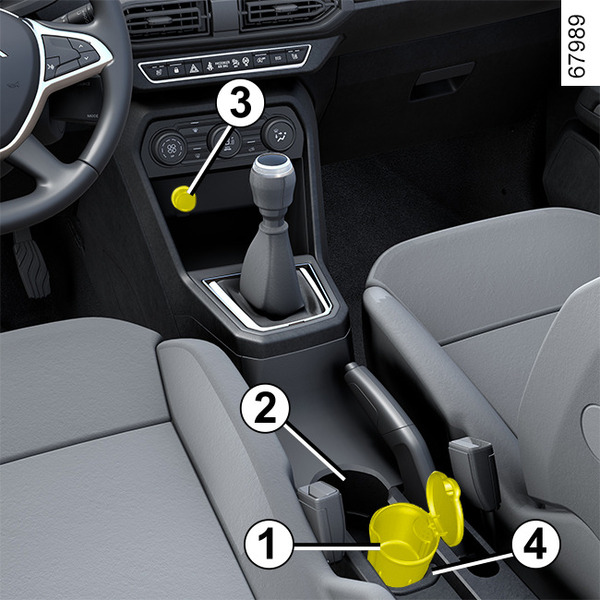
Accessories socket, ashtray, cigarette lighter <?xml version="1.0" standalone="yes"?>Ashtray 1 This may be stored in housing 2 or 4.Lift the cover to open.To empty, pull the ashtray towards you and it will be released from its housing. Chapter
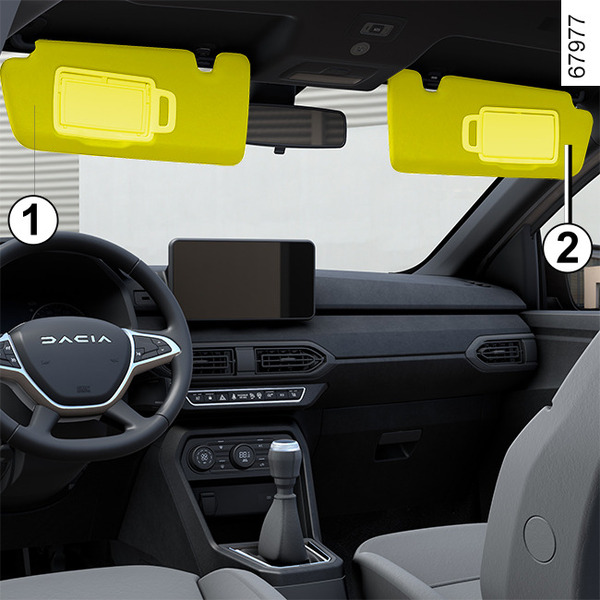
Sun visor, mirror, grab handle <?xml version="1.0" standalone="yes"?>Sun visor 1 and 2 Lower the sun visor 1 or 2 over the windscreen or unclip it and flip it to cover the side window.Courtesy mirrors 3 Chapter
Interior lighting <?xml version="1.0" standalone="yes"?>Courtesy light Press switch 1, or, depending on the vehicle, switch 2 or 3 to enable: Chapter
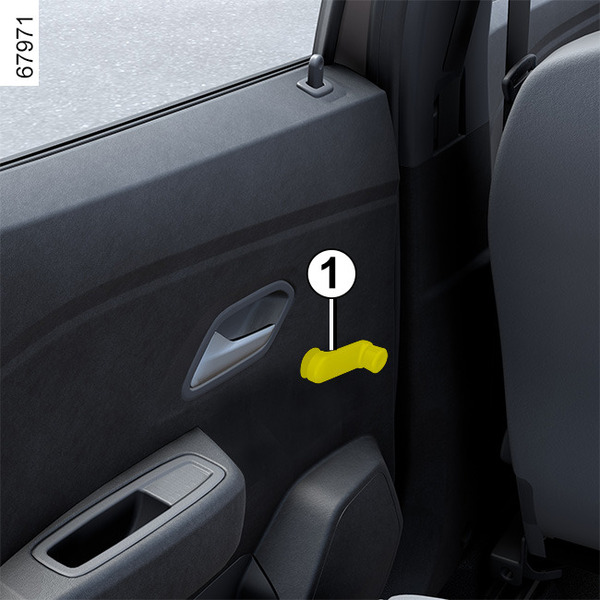
Electric windows <?xml version="1.0" standalone="yes"?>Manually operated rear windows Turn the handle 1 to lower or raise the window to the required position.Front electric windows Chapter