Displays and indicators

<?xml version="1.0" standalone="yes"?>

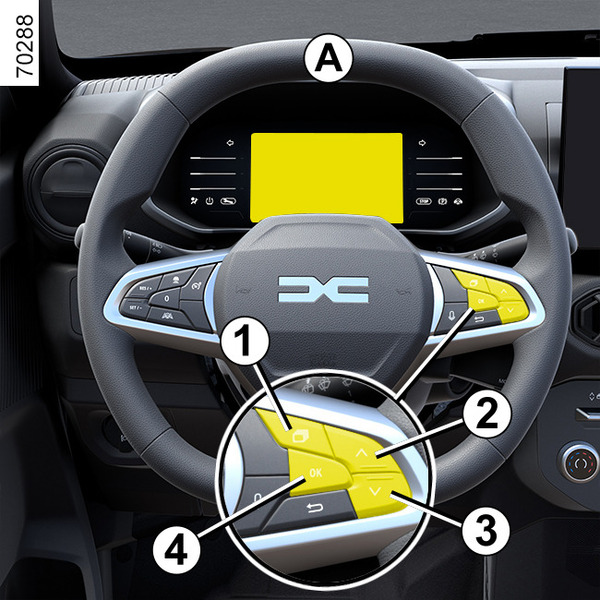
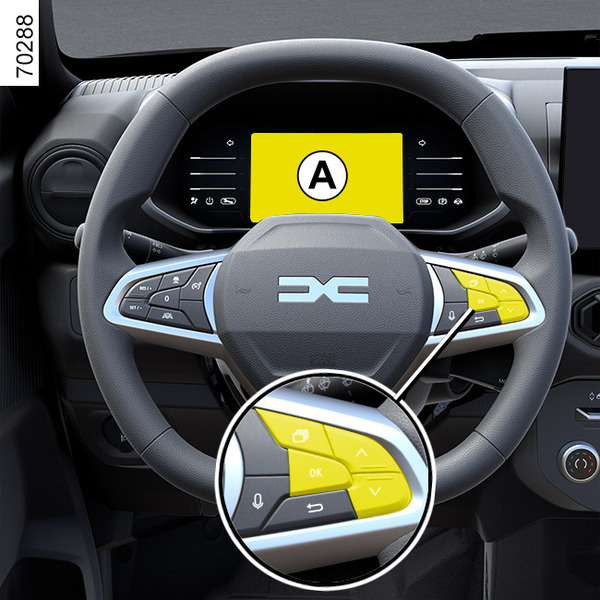
Instrument panel A
It lights up when the ignition is switched on.

In some cases, the appearance of a warning light is accompanied by a message.

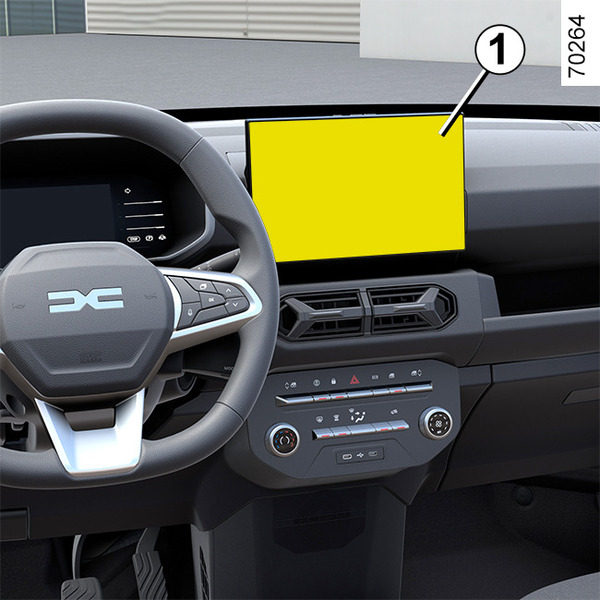
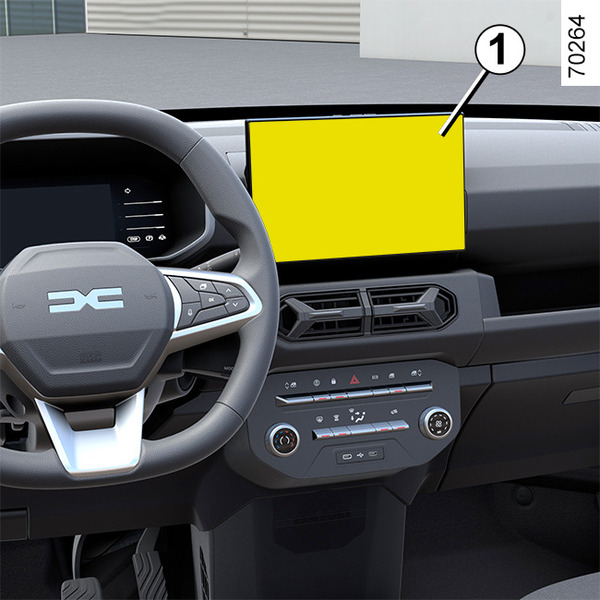
For vehicles fitted with a multimedia screen, refer to the equipment instructions.

Chapter

Warning messages

<?xml version="1.0" standalone="yes"?>

These appear with the 1_ALL_040_1_pictogramme.png warning light and require you to stop immediately, for your own safety, as soon as traffic conditions allow. Stop your engine and do not restart it. Call an approved Dealer.

Chapter

Operating fault messages

<?xml version="1.0" standalone="yes"?>

These appear with the 1_ALL_036_1_pictogramme.png warning light and mean that you should drive very carefully to an authorised dealer as soon as possible. If you fail to follow this recommendation, you risk damaging your vehicle.

Chapter

Information messages

<?xml version="1.0" standalone="yes"?>

These can help in the vehicle starting phase, or give information about a selection or a driving status. Examples of information messages are given in the following pages.

Examples of messages

Chapter

Journey parameters

<?xml version="1.0" standalone="yes"?>

The display of information shown below DEPENDS ON THE VEHICLE EQUIPMENT AND COUNTRY.

Examples of selections

Interpreting the display selected

Chapter

General information

<?xml version="1.0" standalone="yes"?>

Trip computer A

Depending on the vehicle, this includes the following functions:

Chapter

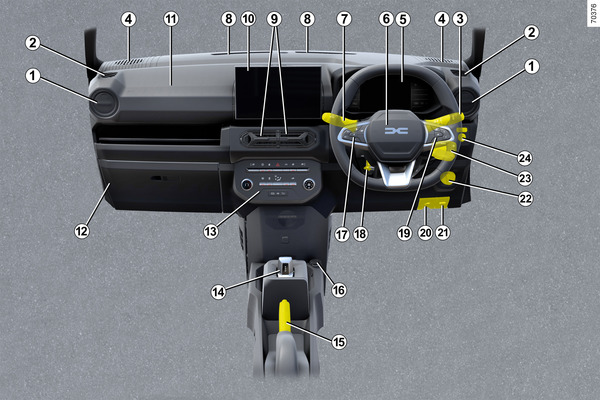
Driving position: right-hand drive

<?xml version="1.0" standalone="yes"?>

The presence of the equipment DEPENDS ON THE VEHICLE VERSION AND COUNTRY.

1.

Side air vents.

2.

Side demister outlet.

Chapter

Driving position: left-hand drive

<?xml version="1.0" standalone="yes"?>

The presence of the equipment DEPENDS ON THE VEHICLE VERSION AND COUNTRY.

1.

Side air vents.

2.

Side demister outlet.

3.

Stalk for:

Chapter