Dacia Jogger
Display A
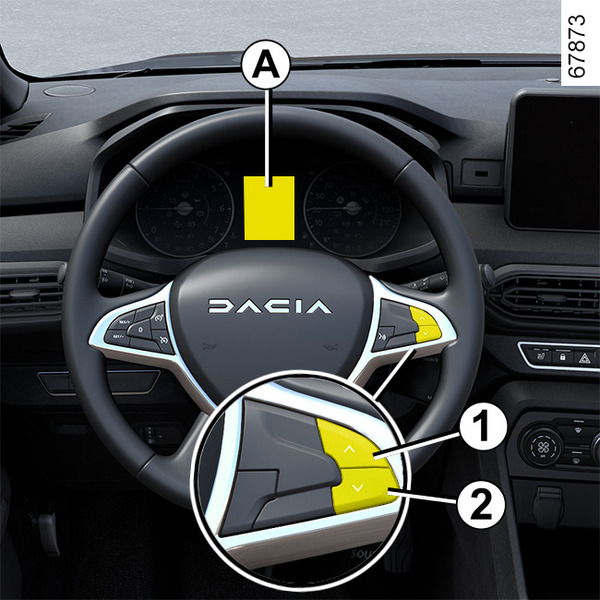
Vehicles not fitted with a multimedia screen
To access the display for setting the time 3, press and hold on button 1 or 2.
The hour reading flashes. You are now in setting mode, press and hold the button 1 or 2 to set the hour.
Wait a few seconds and the minutes will flash: repeatedly press button 1 or 2 to set the minutes.
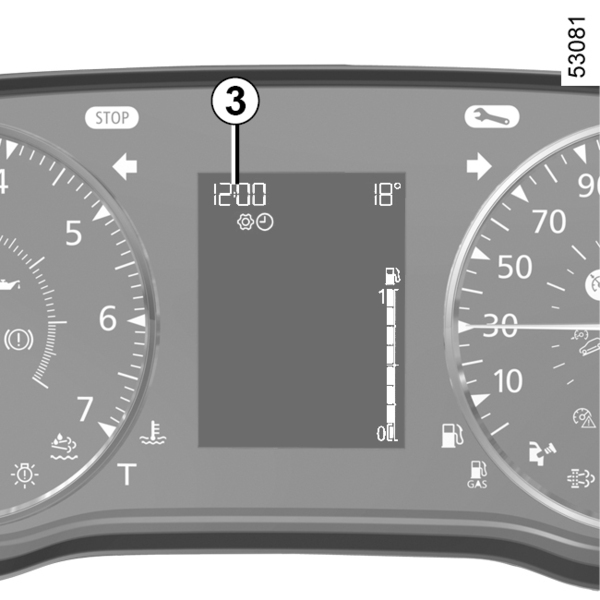
When setting is complete, wait a few seconds before changing the display.
Display B
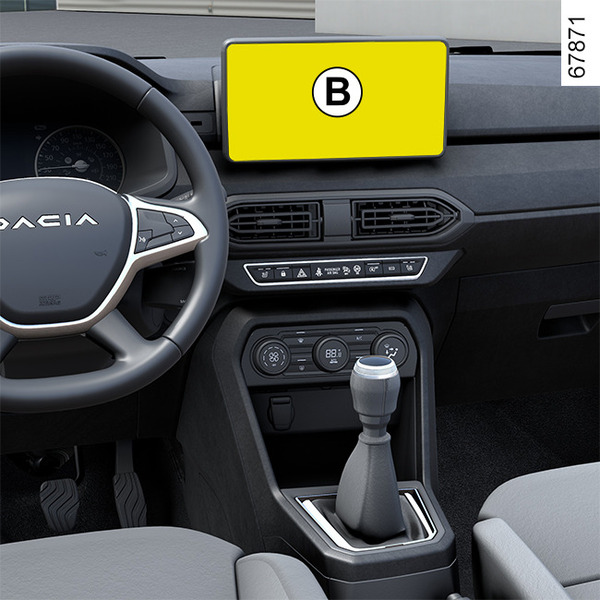
Vehicles fitted with a multimedia touch-screen, navigation aid systems, telephones, etc.
Refer to the separate instructions for the function to understand the special features of this equipment.
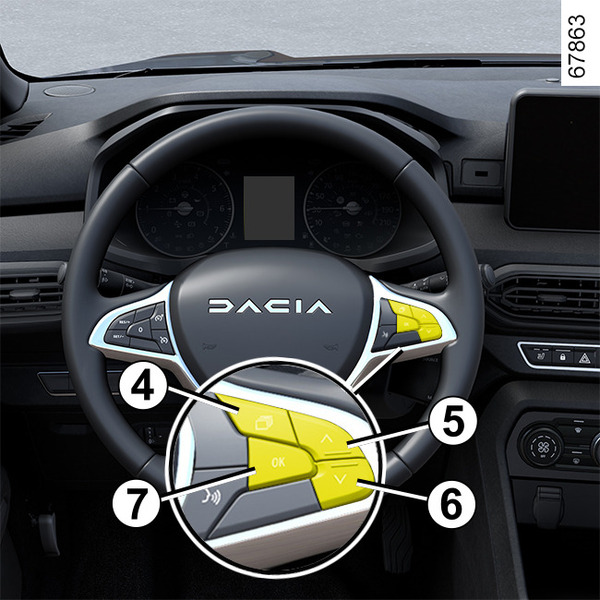
Vehicles not fitted with a multimedia screen
Press the switch 4 as many times as required to reach the "Vehicle" tab.
Repeatedly press control 5 or 6 to access the time setting function 8.
Press and hold switch 7 "OK" until the time display flashes.
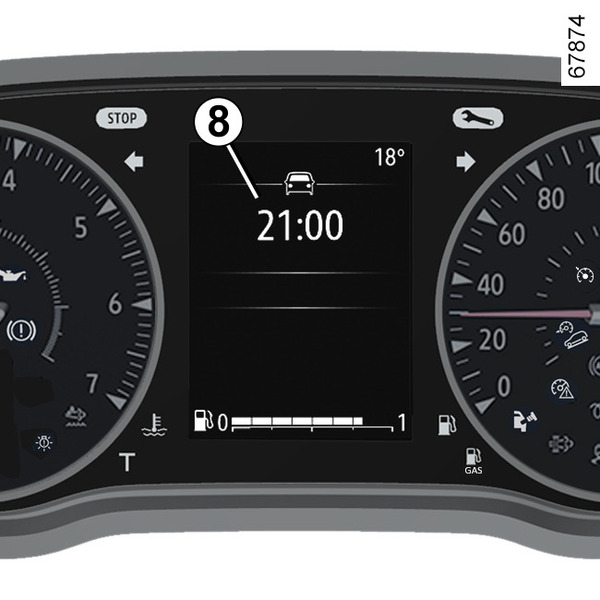
Set the hour using the 5 or 6, then press the 7 "OK" switch to confirm.
Set the minutes using the 5 or 6, then press the 7 "OK" switch to confirm.
Exterior temperature indicator
Special feature:
When the external temperature is between -3°C and +3°C, the °C figures flash (this indicates a risk of ice formation).
tip
If the power supply is cut (battery disconnected, supply wire cut, etc.), the clock must be reset.
We recommend that you do not adjust these settings while driving.
warning
Exterior temperature indicator
As ice formation is related to climatic exposure, local air humidity and temperature, the external temperature alone is not sufficient to detect ice.